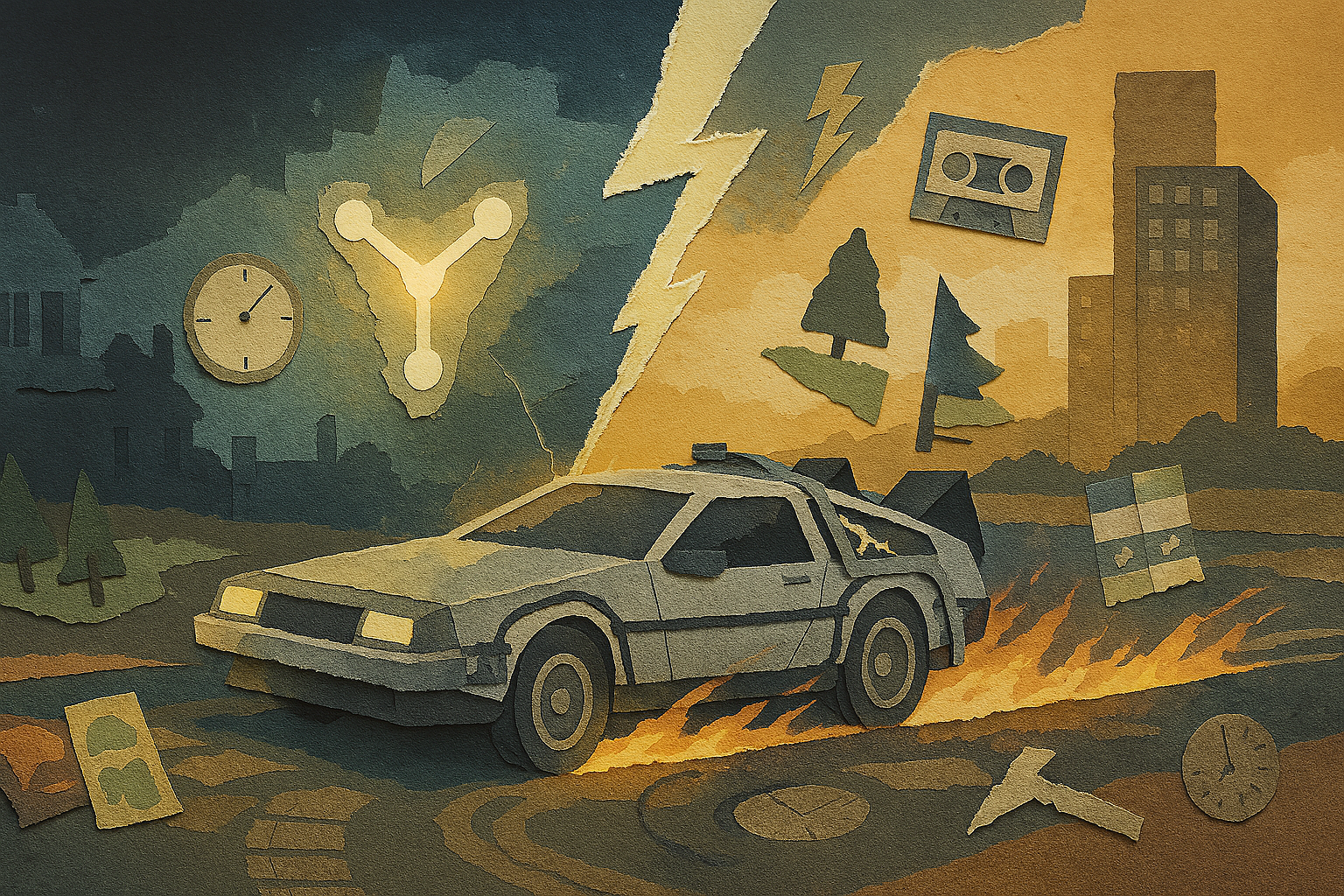
I decided to watch Back to the Future expecting some ’80s nostalgia and those classic Alan Silvestri tunes. Two hours later, I had a fresh page of product notes filled with arrows, thunderbolts, and scribbles like “Doc = Staff Engineer?”
The movie is not just about hoverboards and funny one-liners. It’s a clear example of how small changes ripple through complex systems. It shows why you need to document every tiny tweak and how to avoid creating a mess like 1985-B, a parallel timeline where things go wrong after a small change.
If you have ever added “one harmless quick fix” on a Friday only to spend Monday fixing problems, this article is for you.
1. Test quietly before going public
🎬 Scene Setup
Doc shows Marty the time machine for the first time late at night, away from crowds. They run some quick tests, like the dog’s reaction, before trying anything bigger.
✏️ Design Takeaway
Try out new features with a small audience first. This helps catch problems before a full launch.
💡 Idea for You to Try
Set up a private beta or an internal test group before launching new features.
2. Small changes can have big consequences
🎬 Scene Setup
Marty accidentally runs over one of the pine trees at Twin Pines Ranch in 1955. When he returns to 1985, the mall’s name has changed to Lone Pine Mall.
✏️ Design Takeaway
Even small tweaks can affect your product in unexpected ways. Keep track of all changes carefully.
💡 Idea for You to Try
Document every change, no matter how small, and review their potential impacts regularly.
3. Keep clear records and notes
🎬 Scene Setup
Doc records every experiment with the camcorder, labeling tapes to keep track of dates and events.
✏️ Design Takeaway
Keep organized notes and documentation so your team knows what changed and when.
💡 Idea for You to Try
Create a changelog or version history for your product updates and share it with your team.
4. Focus on your core invention
🎬 Scene Setup
The key to the time machine is the flux capacitor. Everything else is secondary; the car just needs to carry it safely.
✏️ Design Takeaway
Identify your product’s most important feature and focus on making it reliable and polished.
💡 Idea for You to Try
Choose one key feature to improve in your next sprint. Delay less important tasks until later.
5. Plan ahead to avoid future problems
🎬 Scene Setup
While not explicit in the movie, Doc clearly knows about safety and prepares his inventions carefully, like the hover conversion in the sequels.
✏️ Design Takeaway
Keep a list of technical debt or risks, and make time to fix them before they cause bigger issues.
💡 Idea for You to Try
Schedule regular sessions to address technical debt and system maintenance.
6. Add memorable moments to engage users
🎬 Scene Setup
The lightning strike on the clock tower and the famous “Where we’re going, we don’t need roads” line stick with viewers long after the movie ends.
✏️ Design Takeaway
Small, delightful touches can make your product memorable and keep users coming back.
💡 Idea for You to Try
Find one simple way to surprise or delight your users in the next release.
Mini Workshop: Build Your Flux Capacitor Roadmap
- Write down your product’s key feature or unique invention.
- List three small changes that could have a big impact.
- Plan a private test phase before your next big release.
- Identify one piece of technical debt to tackle soon.
- Brainstorm a small delight to add that users will love.
Keep this roadmap visible and review it regularly to avoid surprises.
Make the Next Timeline the Right One
Back to the Future isn’t just a sci-fi. It’s a story about how every choice, even a tiny one, can shift the course of everything. That idea maps perfectly to product design. Test your work in quiet corners before the big reveal. Keep records so no one forgets what changed. Focus on the one feature that defines you. And always look a few moves ahead. It won’t make you a time traveler, but it might keep your users from getting stuck in the wrong version of your product. That’s the kind of future worth building.